

Your Android smartphone is no longer just a communication device it is a highly capable pocket assistant. Thanks to rapid advancements in machine learning, the Google Play Store offers dozens of applications that can draft emails, generate artwork, summarize extensive documents, and even code on the go.
However, navigating the app store reveals a massive difference in quality. Many apps label themselves as “AI-powered” while offering little more than generic, ad-filled interfaces. To save you time, storage space, and money, we tested the market to identify the genuinely valuable tools. Whether you need a writing assistant, an automated note-taker, or a reliable research companion, finding the right AI app for Android requires understanding what each platform does best.
Top 7 Best AI Apps for Android
1. ChatGPT (Best for Conversational AI & Writing)
OpenAI’s official ChatGPT app remains the most versatile artificial intelligence tool available for Android. Moving well beyond basic text generation, the mobile app includes a highly responsive voice mode that allows you to have fluid, real-time spoken conversations. It also features vision capabilities, meaning you can snap a photo of a broken appliance or a foreign menu, and the AI will troubleshoot the problem or translate the text instantly.
Key Features:
- Advanced voice mode for natural conversations.
- Vision functionality to analyze photos in real-time.
- Custom instructions to tailor the AI’s tone and output.
Pros:
- Extremely versatile for writing, coding, and brainstorming.
- The voice feature is highly accurate and responsive.
- Clean, ad-free interface.
Cons:
- The best model (GPT-4o) has strict usage caps on the free tier.
- Can occasionally confidently state incorrect information (hallucinations).
2. Microsoft Copilot (Best for Image Generation & Web Search)
If you want premium AI features without paying a monthly subscription, Microsoft Copilot is a mandatory download. Backed by OpenAI’s GPT-4 and the DALL-E 3 image generator, Copilot provides top-tier technology entirely for free. The app excels at searching the live internet to provide up-to-date answers, complete with source links, making it far more reliable for current events than offline models.
Key Features:
- Free access to GPT-4 for complex reasoning.
- Built-in DALL-E 3 for high-quality image generation.
- Integration with Microsoft 365 accounts.
Pros:
- Provides premium AI models completely free of charge.
- Generates images directly within the chat interface.
- Connects to the live web for accurate, sourced answers.
Cons:
- The user interface feels slightly cluttered compared to competitors.
- Response times can be slower during peak hours.
3. Perplexity AI (Best for Research & Fact-Checking)
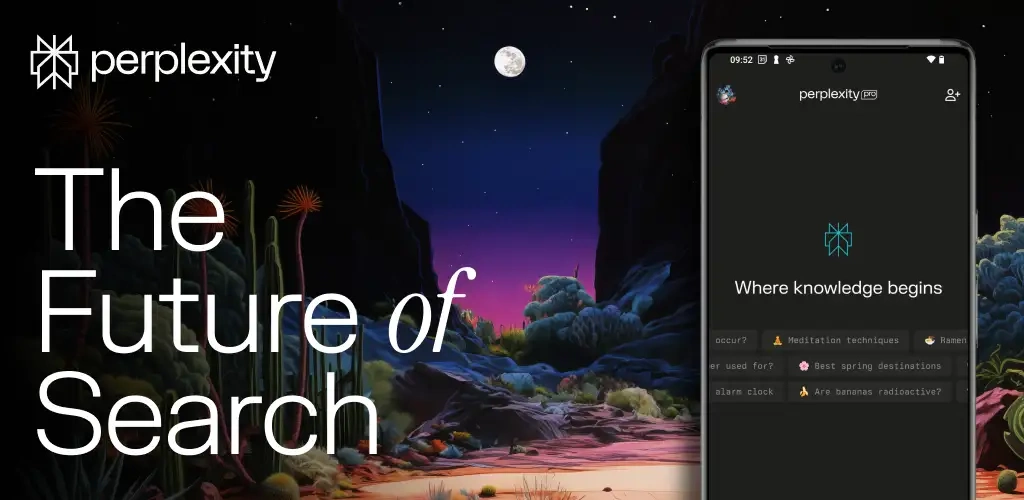
Perplexity AI positions itself as an “answer engine” rather than a simple chatbot. When you ask it a question, it scours the web, reads multiple articles, and synthesizes a direct answer complete with footnote citations. This approach practically eliminates the hallucination issues common in other apps, making it an essential tool for academic research, professional fact-checking, and deep dives into complex topics.
Key Features:
- Real-time web search with visible, clickable citations.
- “Copilot” mode that asks clarifying questions to narrow down searches.
- Organized threads and libraries for ongoing research projects.
Pros:
- Highly trustworthy due to strict sourcing.
- Excellent for academic and professional research.
- Clean, distraction-free reading experience.
Cons:
- Not designed for creative writing or casual conversation.
- Lacks built-in image generation capabilities.
4. Claude (Best for Document Analysis & Natural Tone)
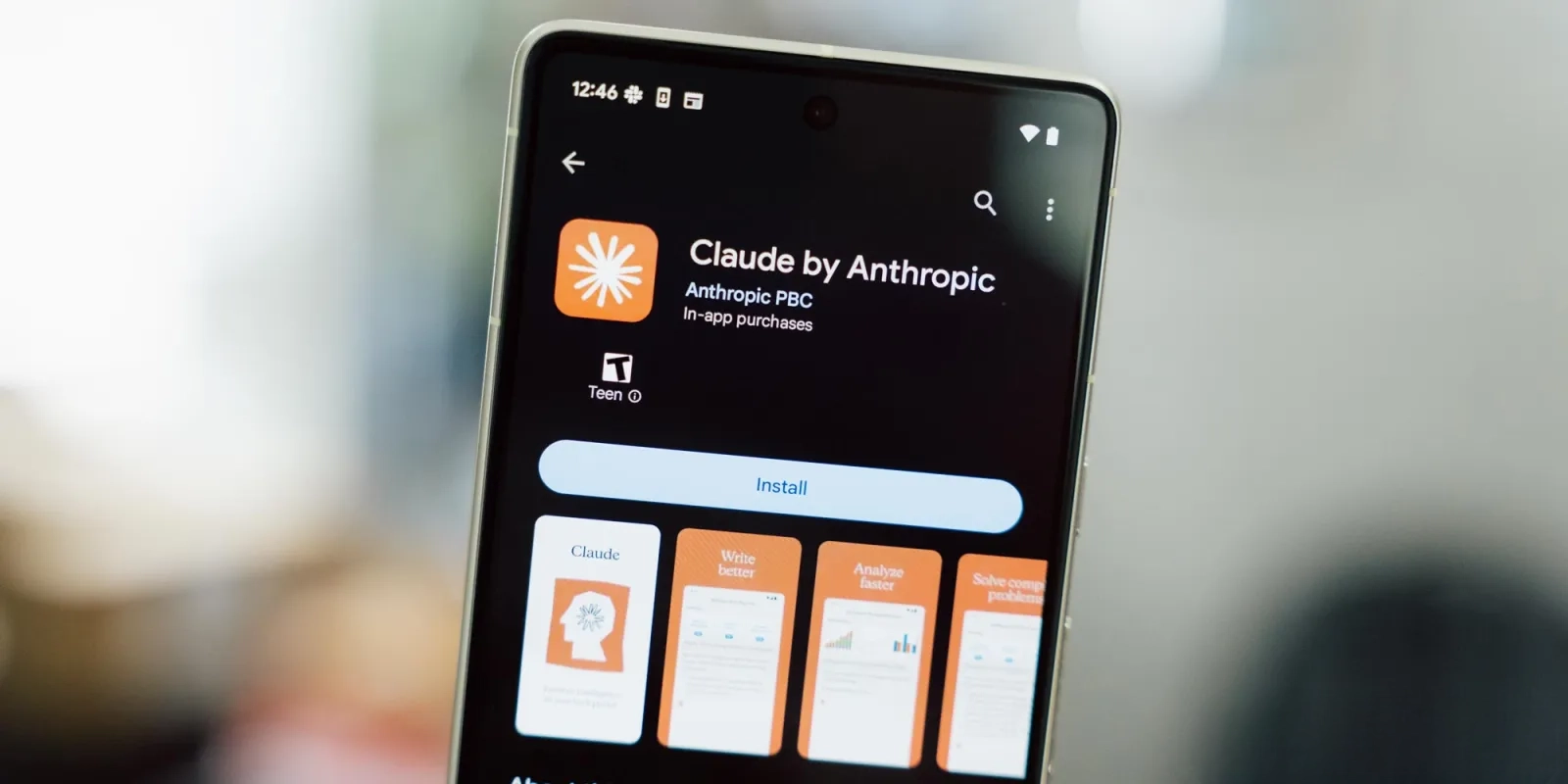
Anthropic’s Claude stands out for its massive context window and highly conversational, natural writing style. While some AI tools sound robotic or rely on repetitive vocabulary, Claude produces text that feels genuinely human. The Android app allows you to upload massive files—entire books, long PDFs, or sprawling spreadsheets—and ask the AI to summarize, analyze, or extract specific data points instantly.
Key Features:
- Massive context window capable of reading hundreds of pages at once.
- Highly nuanced, human-sounding text generation.
- Strict safety and ethical guardrails.
Pros:
- The best AI for analyzing long documents on a mobile device.
- Writing feels less artificial than competing models.
- Excellent at following complex, multi-step instructions.
Cons:
- No internet search capability in the base model.
- Strict safety filters can sometimes block harmless prompts.
5. Google Gemini (Best for Android Ecosystem Integration)
Formerly known as Bard, Google Gemini is deeply woven into the Android operating system. In fact, you can opt to replace the traditional Google Assistant with Gemini, allowing you to trigger it with a long press of the power button. Because it is a native Google product, it seamlessly connects to your Gmail, Google Drive, and Google Docs, allowing you to ask questions like, “Summarize the emails I received from my boss today.”
Key Features:
- Deep integration with Google Workspace (Docs, Drive, Gmail, Maps).
- Can replace Google Assistant for system-level controls.
- Multimodal capabilities (processes text, voice, and images natively).
Pros:
- Incredible synergy with existing Google apps.
- Fast response times and high-quality voice recognition.
- Easily accessible from anywhere on your Android phone.
Cons:
- System controls (like setting alarms) can still be clunky compared to the old Assistant.
- Sometimes refuses to answer sensitive topics unnecessarily.
6. Otter.ai (Best for Meeting Notes & Audio Transcription)

Otter.ai takes the tedious task of note-taking and completely automates it. Whether you are sitting in a lecture hall or dialing into a Zoom meeting on your phone, Otter records the audio, transcribes it in real-time with high accuracy, and identifies different speakers. Once the recording is finished, the AI generates a concise summary of the meeting, highlighting action items and key decisions.
Key Features:
- Real-time, highly accurate audio transcription.
- Automated meeting summaries and action item extraction.
- Speaker identification and keyword searching.
Pros:
- Saves countless hours of manual note-taking.
- Easy to search past conversations for specific details.
- Integrates with calendar apps for automatic meeting joining.
Cons:
- Struggles with heavy accents or very poor audio quality.
- The free plan has strict limits on transcription minutes per month.
7. Photoroom AI (Best for Image Editing & E-commerce)
While chatbots get most of the attention, visual AI is equally powerful. Photoroom is a lifesaver for small business owners, online sellers, and social media managers. It uses AI to instantly remove the background from any photo taken on your phone. You can then prompt the app to generate hyper-realistic, studio-quality backgrounds, complete with accurate shadows and lighting, entirely from text descriptions.
Key Features:
- Flawless, instant background removal.
- Generative AI backgrounds tailored to your product.
- Batch editing tools for multiple photos.
Pros:
- Creates professional product photography in seconds.
- Incredibly easy to use, even for non-designers.
- Saves money on expensive studio equipment.
Cons:
- High-resolution exports require a paid subscription.
- Watermark on the free version.
Comparison Table of the Best Android AI Apps
Use this quick reference guide to compare the top options based on your specific requirements and budget.
| App Name | Best For | Key Feature | Starting Price |
|---|---|---|---|
| ChatGPT | Conversational AI & Writing | Advanced voice interactions | Free ($20/mo Premium) |
| Microsoft Copilot | Image Generation & Web | Free GPT-4 & DALL-E 3 | Free ($20/mo Premium) |
| Perplexity AI | Research & Fact-Checking | Cited web sources | Free ($20/mo Premium) |
| Claude | Document Analysis | Massive context window | Free ($20/mo Premium) |
| Google Gemini | Android Integration | Workspace connections | Free ($19.99/mo Premium) |
| Otter.ai | Meeting Notes | Live transcription | Free ($16.99/mo Premium) |
| Photoroom AI | Photo Editing | AI generated backgrounds | Free ($9.99/mo Premium) |
How to Choose the Right AI App for Your Needs
Installing every AI app will only drain your battery and clutter your app drawer. To find the right fit, identify your primary use case:
- For Writers and Coders: You need an app that understands nuance and structure. Claude is excellent for analyzing large documents and writing naturally, while ChatGPT remains the most reliable for debugging code and brainstorming content.
- For Researchers and Students: Accuracy is paramount. Skip the creative chatbots and download Perplexity AI. It guarantees that the information you receive is backed by actual web sources, preventing embarrassing factual errors in your work.
- For Visual Creatives: If you need artwork, logos, or social media posts, Microsoft Copilot provides the best free image generation via DALL-E 3. If you need to edit existing photos for a storefront, Photoroom is unmatched.
- For Office Workers: Productivity requires integration. Google Gemini is ideal if you live inside Gmail and Google Drive. If your days are filled with Zoom calls, Otter.ai is the best investment you can make for preserving your sanity.
Security Tips When Using AI on Android

While AI apps offer massive benefits, they also require access to your personal data. Keep your information secure by following these practices:
- Opt-Out of Data Training: Most AI companies use your chat history to train future models. Check the app settings (especially in ChatGPT and Gemini) and disable data sharing to keep your queries private.
- Manage App Permissions: A text-based chatbot does not need access to your location or contacts. Only grant microphone and camera permissions if you actively use voice and vision features.
- Do Not Share Sensitive Data: Never paste passwords, financial records, or confidential company code into a public AI app. Even with data training turned off, breaches can happen.
- Verify the Developer: The Play Store is full of scam apps masquerading as “ChatGPT Premium.” Only download apps published by the official companies (OpenAI, Microsoft, Google, Anthropic).
Frequently Asked Questions (FAQs)
Do AI apps drain Android battery life?
Generally, no. Most AI processing happens on cloud servers rather than on your device’s local hardware. The app simply sends your text to the server and downloads the response. However, using intensive features like live voice mode or AR camera features will consume battery at a rate similar to a video call.
Are there any completely free AI apps for Android?
Microsoft Copilot is highly recommended for free users because it offers premium models (GPT-4) at no cost. ChatGPT, Gemini, and Claude also offer robust free tiers, though they implement usage caps if you ask too many questions in a short period.
Can I use these AI apps offline?
Currently, the vast majority of high-end AI apps require an active internet connection to communicate with their cloud servers. While some manufacturers (like Samsung with Galaxy AI or Google with Gemini Nano) are building small, on-device models that work offline, standard apps like ChatGPT and Claude require Wi-Fi or cellular data.
Final Recommendations
If you only want to install one AI app on your Android device today, ChatGPT remains the most well-rounded choice due to its excellent voice mode and reliable performance. However, if you are looking to maximize value without spending a dime, Microsoft Copilot offers the best free toolset, combining top-tier text and image generation.
Ultimately, the best AI app for Android depends on your daily routine. Try downloading a few from this list, test them with real tasks from your workflow, and see which one naturally becomes your go-to digital assistant.