



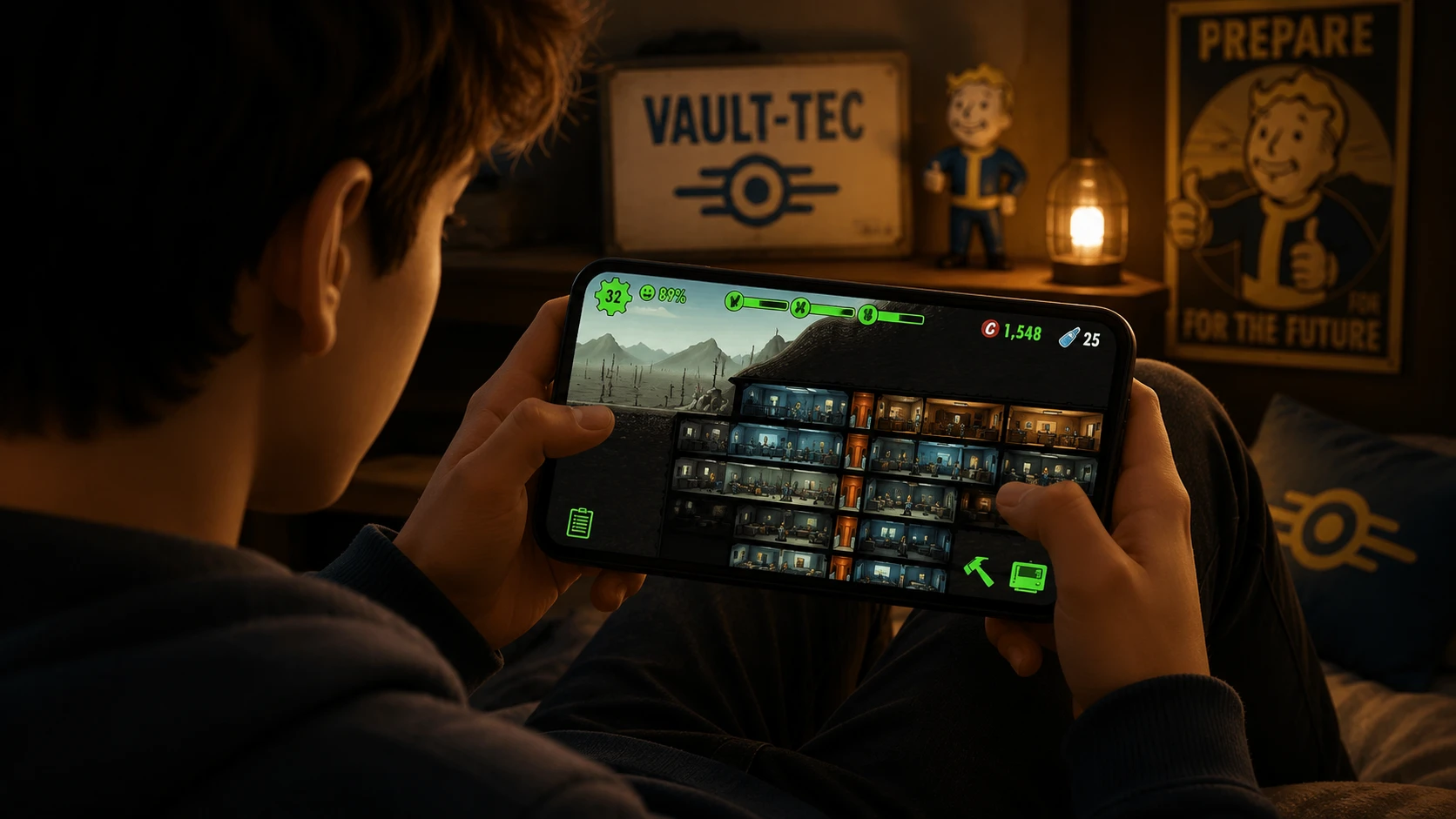
Finding yourself without an internet connection usually means mindlessly scrolling through your camera roll or re-reading old text messages. However, some of the best offline android games make it possible to enjoy gaming even when you lose your signal. Mobile gaming has heavily shifted toward “always-online” live service models, meaning many of the most popular titles refuse to load if you lose your Wi-Fi or 5G signal.
Fortunately, the Google Play Store still hosts an incredible selection of games that work entirely offline. Whether you are prepping for a 12-hour international flight, taking the subway to work, or just want to save your monthly data allowance, downloading a few dedicated offline games is the smartest move you can make for your Android device.
We have tested and categorized the best offline Android games available right now. We skipped the cheap, ad-riddled cash grabs and focused on high-quality, fully featured games that offer genuine entertainment without checking into a server every five minutes.
Best Action Offline Games
1. Dead Cells
Review: Dead Cells is a masterclass in platforming and combat. You play as a reanimated corpse exploring a decaying, sprawling castle that changes its layout every time you die. The Android port is beautifully optimized, capturing the frantic, fluid combat of the PC and console versions. Because it’s a premium title, it doesn’t bother you with microtransactions or online checks. You can load it up in airplane mode and start slicing through enemies immediately.
- Key Features: Full controller support, multiple frame-rate options (up to 120fps on supported devices), and fully customizable touch controls.
- Gameplay: Fast-paced 2D roguelike action focusing on dodging, parrying, and stacking weapon synergies.
Pros:
- Virtually infinite replayability due to randomized levels.
- Silky smooth performance even on mid-range Android phones.
Cons:
- The steep difficulty curve can be frustrating for casual players.
2. Grimvalor
Review: If you enjoy dark fantasy and challenging hack-and-slash mechanics, Grimvalor needs to be on your phone. It successfully translates character-action combat to a 2.5D perspective. You explore corrupted ruins, discover secrets, and fight massive bosses. The physics-based combat feels weighty, and the timing required to dodge enemy attacks keeps you constantly engaged.
- Key Features: Act 1 is completely free to try, with a single premium unlock for the full game. Zero ads.
- Gameplay: Tactical platforming intertwined with timing-based melee combat.
Pros:
- Stunning visual atmosphere and level design.
- Generous free trial before you commit to purchasing.
Cons:
- Platforming sections can occasionally feel slightly floaty compared to the tight combat.
Best RPG & Adventure Offline Games
3. Stardew Valley
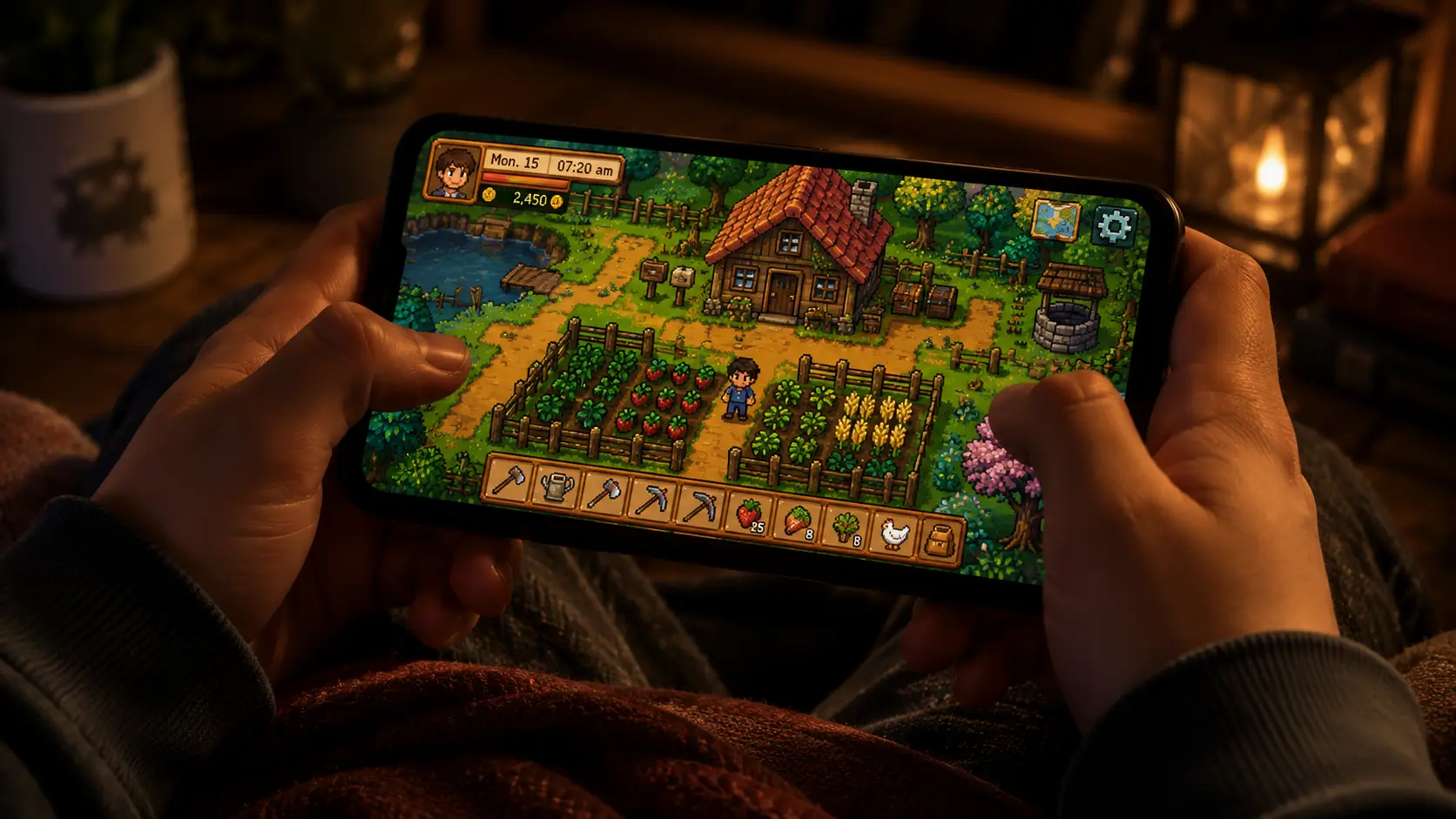
Review: There is arguably no better way to make a long flight disappear than by booting up Stardew Valley. You inherit a dilapidated farm and are tasked with turning it into a thriving agricultural empire. Between planting crops, raising animals, mining for resources, and befriending the local townsfolk, this game will easily consume hundreds of hours. It operates entirely offline and saves locally.
- Key Features: Deep farming simulation, relationship building, and RPG dungeon crawling.
- Gameplay: Open-ended sandbox progression with a relaxing daily routine loop.
Pros:
- Massive amount of content for a one-time purchase.
- Incredibly relaxing and low-stress gameplay.
Cons:
- Touch controls for combat in the mines can be a bit clumsy.
4. Vampire Survivors
Review: The game that spawned a thousand clones is completely free on Android and plays beautifully offline. Vampire Survivors is a minimalist time survival RPG where your character attacks automatically while you steer them through hordes of monsters. It sounds simple, but the dopamine rush of leveling up and combining weapons into screen-clearing attacks is unmatched.
- Key Features: Portrait or landscape modes, dozens of unlockable characters, and offline playability.
- Gameplay: Bullet-hell survival where positioning and upgrade choices are your only mechanics.
Pros:
- Highly addictive core gameplay loop.
- Free to play with non-intrusive, optional ads (which you won’t see anyway if you are offline).
Cons:
- Visuals get extremely chaotic late in a run, which can drop frame rates on older phones.
Best Puzzle Offline Games

5. Monument Valley 2
Review: Monument Valley 2 is less of a game and more of a playable piece of art. You guide a mother and her child through stunning, Escher-esque architectural puzzles. By twisting and dragging the environment, you create impossible paths. The sound design is incredibly soothing, making it the perfect offline game to help you unwind in a noisy airport terminal.
- Key Features: Beautiful isometric art, ambient soundtrack, and zero time limits.
- Gameplay: Environmental manipulation and optical illusion puzzles.
Pros:
- Gorgeous, award-winning art direction.
- Relaxing, frustration-free puzzle solving.
Cons:
- Quite short; can be completed in a few hours.
6. The Room: Old Sins
Review: The entire The Room franchise is fantastic for offline play, but Old Sins represents the peak of the series. You are presented with a highly detailed, mechanical dollhouse and must poke, prod, slide, and rotate its intricate pieces to uncover hidden compartments and solve a dark mystery. The tactile feel of interacting with these 3D puzzle boxes on a touchscreen is exceptional.
- Key Features: High-fidelity 3D graphics, intricate mechanical puzzles, and an eerie narrative.
- Gameplay: Escape-room style exploration mixed with object manipulation.
Pros:
- Incredibly immersive atmosphere.
- Touch controls are perfectly matched to the puzzle mechanics.
Cons:
- Heavy 3D graphics will drain your battery faster than simpler games.
Best Racing Offline Games

7. GRID Autosport
Review: Getting a true console racing experience on a phone used to be impossible, but GRID Autosport changed that. This is the complete Xbox 360/PS3 era racing game ported directly to Android with zero compromises. It features over 100 cars and 100 circuits. Once you download all the high-res texture packs over Wi-Fi, the entire massive career mode is available completely offline.
- Key Features: Scalable difficulty, multiple control schemes (tilt, touch, controller), and fully offline career mode.
- Gameplay: Simulation-leaning circuit racing with a deep physics engine.
Pros:
- Unbeatable graphics and physics for a mobile racer.
- No microtransactions—pay once and own the whole game.
Cons:
- Massive file size (requires around 4GB of storage).
8. Rush Rally 3
Review: If circuit racing isn’t your style, Rush Rally 3 is the best off-road racing game on Android. Built by a small independent team, it boasts an impressive 60fps frame rate and a highly realistic physics engine. You can race through snow, gravel, tarmac, and dirt, all without needing an internet connection. The career mode is deep, and the car upgrading system gives you a reason to keep coming back.
- Key Features: 60fps performance, dynamic weather, and live damage models.
- Gameplay: Stage-based rally racing focusing on car control and track memorization.
Pros:
- Incredibly optimized; runs perfectly even on older devices.
- Excellent controller support.
Cons:
- Graphics lack the polish of massive AAA titles like GRID.
Best Survival & Strategy Offline Games

9. Terraria
Review: Often summarized as “2D Minecraft,” Terraria is so much more than that. It is a massive sandbox survival game with a heavy focus on exploration, crafting, and boss fighting. You start with basic tools and end up battling cosmic deities with laser rifles. The Android version has been continuously updated to match the PC version, and your entire world sits locally on your phone, ready to be explored offline.
- Key Features: Deep crafting trees, hundreds of weapons, and expansive procedurally generated worlds.
- Gameplay: 2D sandbox exploration, building, and action combat.
Pros:
- Easily offers 100+ hours of gameplay.
- Incredible depth and enemy variety.
Cons:
- The complex UI takes some getting used to on a smaller phone screen.
10. Fallout Shelter
Review: Bethesda’s spin-off vault management game is a mobile classic for a reason. In Fallout Shelter, you are tasked with building and managing an underground vault in a post-apocalyptic wasteland. You need to balance power, food, and water while sending dwellers out into the wasteland to scavenge for gear. It’s entirely playable offline, making it a great time-killer when traveling.
- Key Features: Base building, resource management, and dweller customization.
- Gameplay: Strategic room placement and assigning dwellers to the correct jobs based on their stats.
Pros:
- Charming 1950s atomic-era art style.
- Very forgiving free-to-play model that doesn’t force you into microtransactions.
Cons:
- Gameplay eventually turns into a waiting game as upgrade timers increase.
Offline Games Comparison Table
To help you decide which games to download before your trip, we’ve broken down the key details of our top picks.
| Game | Category | Price Model | Est. Storage | Controller Support |
|---|---|---|---|---|
| Dead Cells | Action | Premium | ~1.5 GB | Yes |
| Grimvalor | Action | Free to Try / Premium Unlock | ~700 MB | Yes |
| Stardew Valley | RPG | Premium | ~400 MB | Yes |
| Vampire Survivors | RPG | Free | ~200 MB | Yes |
| Monument Valley 2 | Puzzle | Premium | ~300 MB | No |
| The Room: Old Sins | Puzzle | Premium | ~1.0 GB | No |
| GRID Autosport | Racing | Premium | ~4.0 GB | Yes |
| Rush Rally 3 | Racing | Premium | ~250 MB | Yes |
| Terraria | Survival | Premium | ~300 MB | Yes |
| Fallout Shelter | Strategy | Free | ~500 MB | No |
Download Tips & Offline Performance
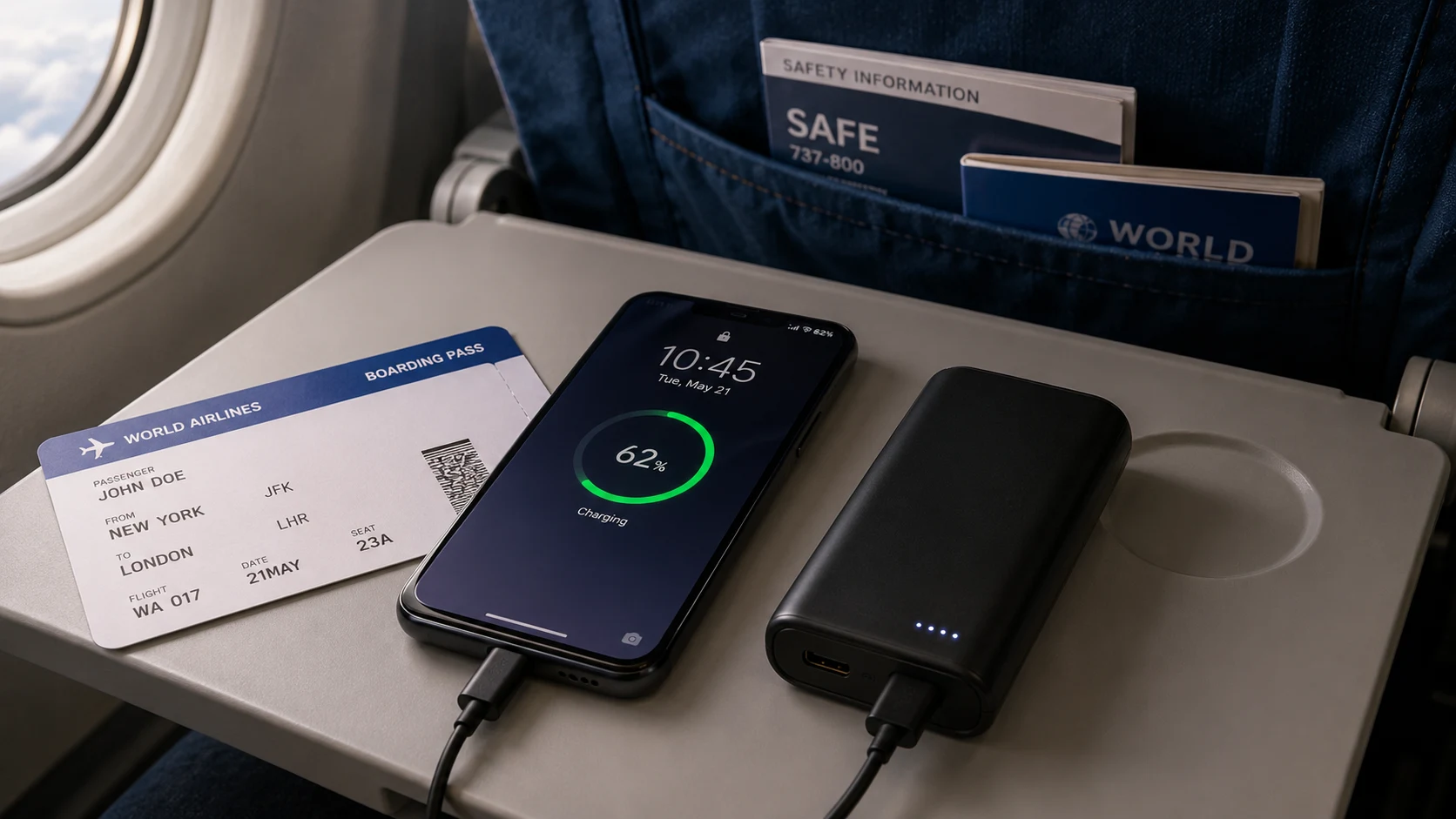
Before you turn on airplane mode and head into the wild, there are a few crucial steps you need to take to ensure your games actually work when you need them.
1. Do a “License Check” Run
Many premium Android games have a built-in DRM (Digital Rights Management) check. The first time you launch the game, it briefly connects to the Google Play Store to verify that you actually purchased it. Always launch a newly downloaded game at least once while connected to Wi-Fi before your trip. Once it verifies the license, you can safely close it and play offline later.
2. Download Extra Assets
Games like GRID Autosport or large RPGs often use a lightweight initial download from the Play Store, but require massive in-game downloads for high-resolution textures or audio files. Open the game fully and navigate to the settings menu to ensure all HD texture packs or expansions are fully downloaded while you still have unlimited data.
3. Manage Your Storage and Battery
Premium offline games can eat up gigabytes of storage. Clear your phone’s cache and delete unused apps before downloading a heavy hitter like GRID. Furthermore, playing intensive 3D games offline will still drain your battery fast. We highly recommend lowering the game’s graphical settings or capping the frame rate to 30fps to stretch your battery life on long flights.
Frequently Asked Questions
Do offline Android games drain my battery faster?
Actually, playing games in airplane mode generally saves battery compared to playing online games. Because your phone isn’t constantly searching for a cellular or Wi-Fi signal and isn’t downloading ads in the background, your battery will last significantly longer. However, the game’s 3D graphics will still dictate how much power is consumed.
How do I save my progress offline?
All of the games on this list utilize local saving, meaning your progress is saved directly to your phone’s internal storage. When you eventually reconnect to the internet, most games that support Google Play Games services will automatically sync your local save to the cloud to keep it backed up.
Are there totally free offline games without ads?
Yes, but they are rare. Vampire Survivors is a great example of a free game that remains fully playable offline. While it does contain ads, they are completely optional (used to revive your character). Because you are offline, the ads won’t load, meaning you can play uninterrupted. Otherwise, sticking to one-time-purchase premium games is the best way to guarantee an ad-free experience.
Conclusion
You don’t need a constant Wi-Fi connection to get the most out of your smartphone. By stocking up on a few of these best offline Android games, you can turn dreadfully boring commutes or spotty internet zones into dedicated gaming sessions. Whether you prefer rebuilding a farm in Stardew Valley or drifting corners in GRID Autosport, there is a massive world of premium, connection-free gaming waiting for you.
What is your go-to game when you lose signal? Let us know in the comments below! If you’re looking for more ways to test your brain, be sure to check out our ultimate list of the best Android strategy games.