



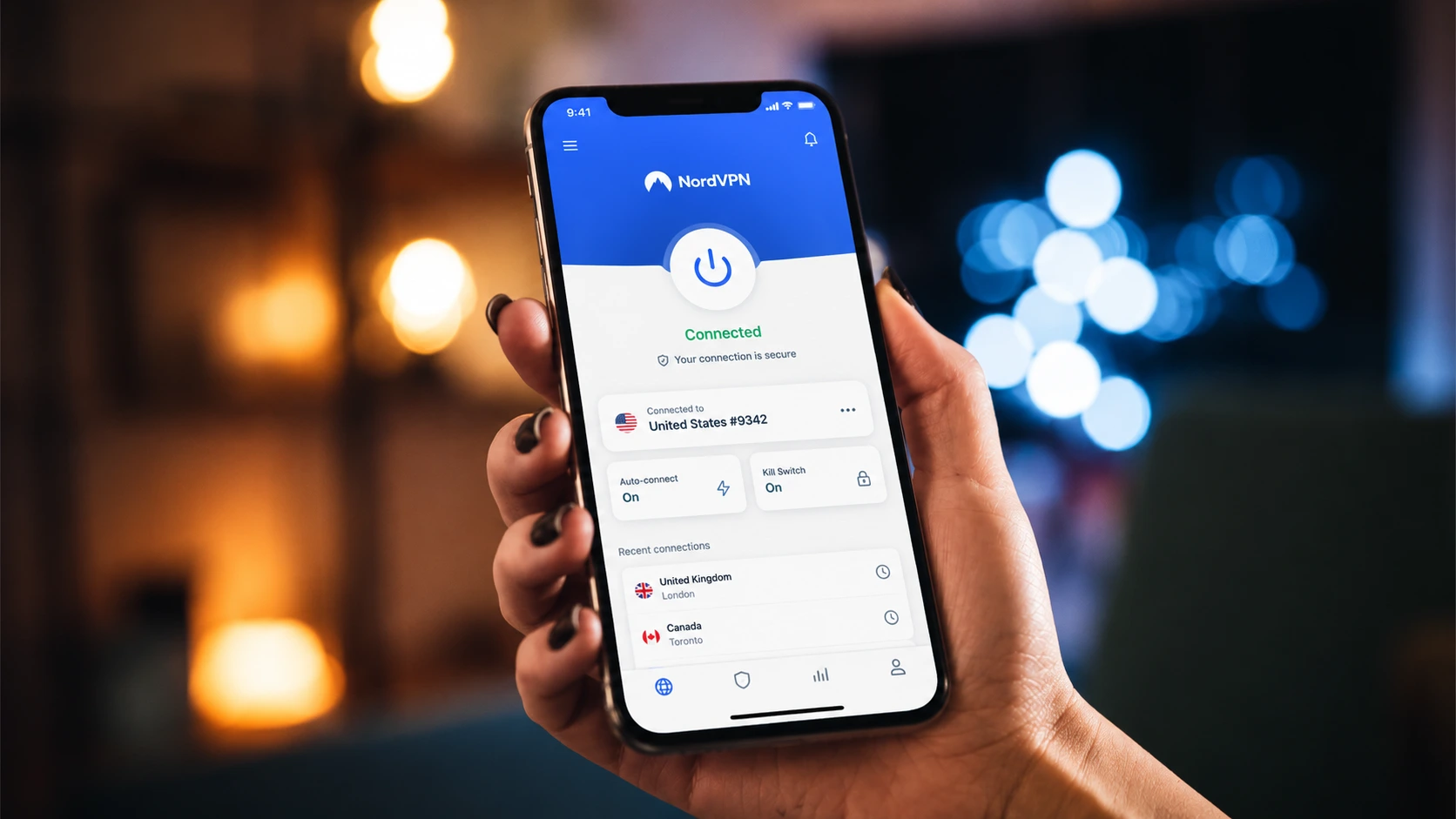
Your smartphone is a goldmine of personal data. Every time you connect to a public Wi-Fi network at a local coffee shop, check your bank balance on the train, or scroll through social media, you leave a digital footprint. Without protection, your internet service provider (ISP), advertisers, and potential hackers can track your every move. This is where finding the best VPN apps for Android becomes essential.
A Virtual Private Network (VPN) encrypts your mobile data and routes it through a secure server, masking your IP address and making your online activities virtually untraceable. But with thousands of options cluttering the Google Play Store, choosing the right Android VPN can feel overwhelming.
In this guide, we dive deep into the top-rated VPN apps for Android, comparing their speed, security features, privacy policies, and pricing to help you reclaim your digital privacy.
Top 5 Best VPN Apps for Android
1. ExpressVPN – Best Overall for Speed and Reliability

ExpressVPN consistently ranks at the top of the pack for Android users, and for good reason. It offers an incredibly intuitive Android app that pairs raw speed with military-grade encryption. Powered by its proprietary Lightway protocol, ExpressVPN is built specifically for mobile devices, meaning it won’t drain your battery while running in the background.
- Key Features: TrustedServer technology (RAM-only servers), split tunneling, auto-connect, network protection (kill switch).
- Speed & Performance: Consistently blazing fast, ideal for 4K streaming and gaming.
- Privacy & Security: AES-256 encryption, strict audited no-logs policy, based in the privacy-friendly British Virgin Islands.
- Pricing: Premium pricing starting around $6.67/month (annual plan).
Pros:
- Lightning-fast Lightway protocol.
- App is incredibly user-friendly.
- Unblocks almost all major streaming services.
Cons:
- More expensive than most competitors.
- Limited to 8 simultaneous device connections.
2. NordVPN – Best for Advanced Security Features

NordVPN offers a beautifully designed, map-based interface on Android. Beyond standard VPN protection, NordVPN includes advanced features like Threat Protection Lite, which actively blocks malicious domains and intrusive ads while you browse on your phone.
- Key Features: Double VPN, Onion Over VPN, Meshnet, Threat Protection Lite, dark web monitor.
- Speed & Performance: Excellent speeds powered by NordLynx (a custom WireGuard implementation).
- Privacy & Security: AES-256-GCM encryption, independently audited no-logs policy, based in Panama.
- Pricing: Great value starting at around $3.39/month (2-year plan).
Pros:
- Feature-rich Android application.
- Double VPN for extra layer of encryption.
- Excellent independent audit track record.
Cons:
- The map-based interface can feel a bit cluttered on smaller phone screens.
3. Surfshark – Best Budget VPN for Multiple Devices

If you have a tablet, a phone, a smart TV, and a desktop, Surfshark is the ultimate choice. It is one of the few premium VPNs that allows unlimited simultaneous connections on a single subscription. The Android app is lightweight, snappy, and packed with tools.
- Key Features: CleanWeb (ad/malware blocker), Bypasser (split tunneling), GPS spoofing functionality.
- Speed & Performance: Fast and reliable, leveraging the WireGuard protocol.
- Privacy & Security: RAM-only servers, AES-256 encryption, strict no-logs policy.
- Pricing: Highly affordable, starting around $2.19/month (2-year plan).
Pros:
- Unlimited device connections.
- GPS spoofing feature is unique and highly useful for Android users.
- Very budget-friendly long-term plans.
Cons:
- Customer support response times can occasionally be slow.
4. ProtonVPN – Best Free VPN Option
Developed by the team behind ProtonMail, ProtonVPN prioritizes user privacy above all else. What makes it stand out is its incredibly generous free tier. Unlike most free VPNs that cap your data or sell your browsing history, ProtonVPN’s free version offers unlimited bandwidth, making it the best entry-level choice.
- Key Features: Secure Core (routes traffic through privacy-friendly countries first), NetShield, open-source Android app.
- Speed & Performance: Free tier is medium-speed; premium tier offers up to 10 Gbps server speeds.
- Privacy & Security: Based in Switzerland (excellent privacy laws), open-source apps, independently audited.
- Pricing: Free tier available; Premium starts at around $4.99/month.
Pros:
- Unlimited data on the free plan.
- Completely open-source Android app.
- Exceptional privacy background.
Cons:
- Free tier only gives access to servers in a few countries (e.g., US, Japan, Netherlands).
5. CyberGhost – Best for Streaming on Android

CyberGhost takes the guesswork out of bypassing geo-blocks. Its Android app features specialized, optimized servers specifically designed for streaming platforms like Netflix, Hulu, and BBC iPlayer. You simply select what you want to watch, and the app connects you to the best server for that service.
- Key Features: Streaming-optimized servers, Wi-Fi protection, dedicated IP options.
- Speed & Performance: Very good, easily handling HD and 4K mobile streaming.
- Privacy & Security: No-logs policy, based in Romania, AES-256 encryption.
- Pricing: Very cheap on long plans, roughly $2.03/month (2-year plan).
Pros:
- Dedicated servers for streaming.
- Huge server network (11,000+ servers worldwide).
- Massive 45-day money-back guarantee.
Cons:
- Lacks some advanced features found in NordVPN or ExpressVPN.
Quick Comparison Table
Here is a rapid overview of our top picks to help you make an informed decision:
| VPN Provider | Best For | Free Version | Connections | Est. Starting Price |
|---|---|---|---|---|
| ExpressVPN | Overall Speed & UX | No (30-day refund) | 8 | $6.67/mo |
| NordVPN | Advanced Security | No (30-day refund) | 10 | $3.39/mo |
| Surfshark | Budget & Devices | No (30-day refund) | Unlimited | $2.19/mo |
| ProtonVPN | Free Tier Reliability | Yes (Unlimited Data) | 10 (on paid) | $4.99/mo |
| CyberGhost | Streaming Apps | No (45-day refund) | 7 | $2.03/mo |
Free vs. Paid VPNs: Which is Right for You?
One of the most common dilemmas users face is whether to shell out cash for a premium VPN or rely on a free app. The hard truth is that if you aren’t paying for the product, you usually are the product.
The Danger of Free VPNs
Many “free” Android VPNs on the Play Store are malicious. They often track your browsing data, inject ads into your browser, or outright sell your personal information to third-party data brokers. Furthermore, free VPNs generally suffer from:
- Strict data caps (often 500MB to 2GB per month).
- Severely throttled speeds, making streaming impossible.
- Tiny server networks resulting in overcrowding.
- Weak or outdated encryption standards.
When to Use a Free VPN
If you only need a VPN occasionally—such as checking your bank account on an airport Wi-Fi network once a month—a reputable free VPN like ProtonVPN is a safe choice. It won’t log your data, though you will have to deal with slower speeds and fewer server locations.
Why Premium is Usually Better
Paid VPNs offer peace of mind. For the price of a cup of coffee per month, you get fast speeds, unlimited bandwidth, robust security features, and access to thousands of global servers to easily bypass content restrictions. For daily smartphone users, a paid Android VPN is highly recommended.
How to Install and Set Up a VPN on Android
Getting your new VPN running on your Android device takes less than five minutes. Here is a simple step-by-step guide:
- Choose and Subscribe: Select a provider (like ExpressVPN or NordVPN) and create an account on their official website. Purchasing through their site rather than the Play Store often gets you a better discount.
- Download the App: Open the Google Play Store on your Android device, search for your chosen VPN, and tap Install.
- Log In: Open the app and log in using the credentials you just created.
- Grant Permissions: The app will request permission to set up a VPN connection. Android requires you to approve this. Tap OK or Allow when prompted by the system dialog box.
- Connect: Tap the massive “Connect” or “Quick Connect” button in the center of the app screen. The VPN will automatically find the fastest server near you.
- Verify (Optional): Look for a small key or VPN icon in the status bar at the top of your Android screen. This confirms your traffic is encrypted.
Essential Security Tips for Android Users
Installing a VPN is a massive step forward, but absolute digital hygiene requires a few more tweaks. Maximize your VPN’s effectiveness with these tips:
- Always-On VPN: Go to your Android phone’s Settings > Network & Internet > VPN. Tap the gear icon next to your VPN app and toggle on “Always-on VPN.” This ensures your phone won’t send unencrypted data if the app restarts.
- Enable the Kill Switch: Inside the VPN app settings, ensure the Kill Switch is activated. If your VPN connection drops unexpectedly, this feature instantly cuts your internet access so your real IP address doesn’t leak.
- Use Split Tunneling Wisely: If a local app (like your banking app or Uber) refuses to work while the VPN is active, use the split tunneling feature. This allows you to route specific apps outside the VPN tunnel while keeping the rest of your traffic secure.
Common VPN Mistakes to Avoid
Even with the best tools, user error can compromise your security. Avoid these common pitfalls:
1. Trusting Rating Apps Blindly: The Google Play Store is flooded with highly-rated but deeply flawed free VPNs. User reviews are often manipulated. Rely on independent audits and expert reviews.
2. Turning it off on Cellular Data: Many users only turn on their VPN for Wi-Fi. However, cellular networks (4G/5G) are not inherently private. Your ISP can still log and sell your data. Keep the VPN running on cellular connections too.
3. Ignoring App Updates: VPN providers constantly patch security vulnerabilities and update server infrastructures. Set your VPN app to auto-update in the Play Store to ensure you have the latest protection.
Frequently Asked Questions (FAQs)
Will a VPN drain my Android battery?
Historically, running a VPN in the background consumed noticeable battery life. However, modern protocols like WireGuard and ExpressVPN’s Lightway are incredibly lightweight. The battery drain on top-tier apps is now negligible (usually less than 2-3% of daily usage).
Is it legal to use a VPN on Android?
Yes, in the vast majority of countries (including the US, Canada, UK, and most of Europe), using a VPN is 100% legal. They are standard cybersecurity tools. However, in heavily censored countries like China, Russia, or Iran, VPN usage may be restricted or illegal.
Can I use an Android VPN to unblock streaming platforms?
Absolutely. By connecting to a server in a different country, you can change your virtual location and access region-locked content on platforms like Netflix, Disney+, and Hulu. Premium providers like ExpressVPN and NordVPN excel at bypassing these blocks.
Do I need a VPN if I browse in Incognito Mode?
Yes! Incognito Mode only prevents your phone’s browser from saving your local history and cookies. It does not hide your IP address, nor does it encrypt your data. Your ISP and the websites you visit can still see everything you do. Only a VPN provides true network-level privacy.
Final Verdict
Choosing the best VPN app for Android ultimately comes down to your personal needs. If you want the absolute fastest speeds and the most intuitive interface, ExpressVPN is the undisputed champion. For users seeking the tightest security and malware blocking, NordVPN is highly recommended. And if you’re looking to secure every device in your household on a strict budget, Surfshark is a no-brainer.
Whichever app you choose, taking the step to encrypt your mobile connection is one of the smartest decisions you can make to protect your digital identity in 2026.